
Shadowrocket: Setup, Android Reality, and the Best Proxy Choices
Shadowrocket: Setup, Android Reality, and the Best Proxy Choices
Shadowrocket is a powerful, rule-based proxy utility for Apple devices that gives users granular control over their network traffic. For developers, data engineers, and QA testers, Shadowrocket is a popular tool for routing application traffic through various types of proxies, allowing for effective geo-targeted testing, ad verification, and market research.
This article provides a practical, technical look at Shadowrocket. We will cover its core features, explain how to configure it with different proxy types like SOCKS5 proxies and mobile proxies, and address the common confusion around Shadowrocket for Android. Our goal is to provide a clear understanding of how this tool works and how to use it effectively and responsibly.
Test LycheeIP's reliable proxy network to power your projects
What is Shadowrocket and how does it work?
Shadowrocket works by capturing network traffic from your device and redirecting it through a proxy server based on a set of rules you define. It is a sophisticated client application that acts as a central control panel for your proxy connections, offering more flexibility than standard operating system settings.
Key features and where it runs
The main appeal of Shadowrocket is its powerful rule engine. You can create rules that route traffic based on:
- Domain name (e.g., send all traffic for example.com through a proxy).
- IP CIDR range.
- GeoIP lookup (e.g., route all traffic destined for Germany through a German proxy).
The app also supports advanced DNS settings, including DNS over HTTPS (DoH) and DNS over TLS (DoT), for enhanced privacy. Shadowrocket is exclusively available for Apple's ecosystem.
Shadowrocket vs “a VPN app”
A common point of confusion is the difference between Shadowrocket and a typical VPN app. While both can route your traffic and change your IP address, a Shadowrocket VPN setup is different. A standard VPN is designed for simplicity and encrypts all your device's traffic through a single tunnel. Shadowrocket is a proxy client that offers more granular, rule-based control over which specific apps or domains are routed through a proxy, and it does not inherently encrypt traffic unless you are connecting to an HTTPS site or using an encrypted proxy protocol.
Which platforms officially support Shadowrocket today?
Shadowrocket officially supports Apple platforms, including iPhone, iPad, Mac, and Apple TV. The application is developed by Shadow Launch Technology Limited and is only available for purchase and download through the official Apple App Store.
iPhone, iPad, Mac, and Apple TV overview
The application provides a consistent experience across these devices, allowing you to sync your profiles and rules via iCloud. This makes it a convenient tool for anyone who works within the Apple ecosystem and needs to manage proxy settings across multiple devices.
The “Shadowrocket Android” confusion explained
There is no official version of Shadowrocket for Android. The developer has not released the application for the Android platform. Any app you find on the Google Play Store or third-party sites claiming to be "Shadowrocket Android" is an unofficial clone.
These unauthorized versions of Shadowrocket for Android pose a significant security risk. They are not supported by the original developer and may contain malware, track your data, or simply not work as advertised. It is strongly recommended to avoid these apps and seek legitimate alternatives for the Android platform. The search for a working Shadowrocket Android app often leads to unsafe software.
How do you set up Shadowrocket on iPhone or iPad for HTTP/HTTPS/SOCKS5?
You set up Shadowrocket by manually adding a new server profile and entering the details of your proxy provider. The process is straightforward and allows you to configure various proxy protocols, including HTTP, HTTPS, and SOCKS5 proxies.
Add Server, choose Type, enter host, port, authentication
- Open Shadowrocket and tap "Add Server" to create a new profile.
- Select the Type: Choose the correct protocol for your proxy (e.g., HTTP, HTTPS, or SOCKS5).
- Enter Server Details: Fill in the server address (host), port number, username, and password provided by your proxy service.
- Save and Connect: Save the profile, select it from the main screen, and toggle the connection switch at the top.
Rules, DNS, and speed testing
Once connected, you can navigate to the "Config" tab to set up your routing rules. In the "Settings" tab, you can configure your DNS preferences. The app also includes a built-in speed test utility, allowing you to check the performance of your proxy connection directly.
Test LycheeIP's reliable proxy network to power your projects
Which proxy type should you choose: SOCKS5, mobile proxies, or datacenter proxies?
You should choose your proxy type based on your specific use case, balancing the need for performance, reliability, and cost. Shadowrocket is compatible with all major proxy types, giving you the flexibility to choose the right tool for the job.
Performance, reliability, and session control
- Datacenter Proxies: These are fast, affordable, and offer stable connections. They are an excellent choice for general use and for accessing less sensitive websites.
- Mobile Proxies: These use IP addresses from mobile carriers, offering the highest level of trust and making them appear as genuine mobile users. This is ideal for testing mobile-first websites or apps.
- SOCKS5 Proxies: SOCKS5 is a versatile protocol that can handle different types of traffic beyond just web browsing. Using SOCKS5 proxies in Shadowrocket is a common choice for advanced users.
Cost and compliance trade-offs
Datacenter proxies are the most cost-effective option. Mobile proxies, on the other hand, are a premium product and come at a higher price due to the scarcity and quality of the IPs. A developer-first provider like LycheeIP offers clear, transparent pricing for all its proxy types, including datacenter proxies and mobile proxies. Our simple dashboard makes it easy to get the credentials you need to plug into Shadowrocket, giving you lightweight control over a clean and reliable IP pool.
Why do mobile proxies sometimes outperform datacenter proxies?
Mobile proxies often outperform datacenter proxies on websites with strong anti-bot systems because their IP addresses are sourced from mobile carriers. This traffic is seen as highly legitimate, as it appears to be coming from a real person's smartphone. In contrast, the IP ranges of datacenter proxies are well-known and can be more easily flagged as automated traffic.
Carrier IP behavior and rotation
The nature of mobile networks, where IP addresses are frequently reassigned, also makes traffic from mobile proxies appear more natural. This inherent rotation can be an advantage for certain data collection tasks.
When datacenter proxies are still a better choice
Datacenter proxies are still the better choice for tasks that prioritize speed and cost over IP reputation. For bulk data collection from public APIs or websites with minimal security, the performance and affordability of datacenter proxies are unmatched.
How can you build privacy-friendly rules and DNS settings in Shadowrocket?
You can build privacy-friendly rules by using the domain-based rules engine to be selective about which traffic you send through a proxy. For example, you can create rules to send all traffic to your work-related domains directly, while routing other traffic through your proxy. Combining this with encrypted DNS (DoH or DoT) adds another layer of privacy.
DoH, DoT, and QUIC options
Shadowrocket supports modern encrypted DNS protocols, which prevent your local network or ISP from seeing your DNS queries. Configuring this in the settings is a simple way to enhance your privacy.
Starter rules you can adapt
A good starting point for your rule set is to route all traffic through the proxy by default and then add specific DIRECT rules for trusted domains that you do not want to proxy, like your banking or email provider.
What is the fastest way to test and troubleshoot Shadowrocket?
The fastest way to troubleshoot Shadowrocket is to use the built-in logging and testing features. If a connection fails, the first step should be to check the logs to see the specific error message.
Logs, speed tests, and common errors
The "Diagnose" section in the settings provides real-time logs of your network requests. Common errors include authentication failures (check your username/password) or connection timeouts (try a different proxy server).
Fixing DNS leaks and rule conflicts
Use an online leak-testing tool to ensure your real IP is not being exposed. If you have a complex rule set, a common issue is a rule conflict. Try disabling all but one rule to isolate the problem.
Test LycheeIP's reliable proxy network to power your projects
Which alternatives make sense if you need “Shadowrocket for Android”?
You should use a well-regarded, official proxy client from the Google Play Store instead of searching for a risky "Shadowrocket for Android" clone. While there is no official Shadowrocket for Android, several other excellent applications provide similar functionality.
Safe Android clients with similar features
Look for apps like v2rayNG or NekoBox on the Google Play Store. These are respected, open-source clients that support a wide range of proxy protocols and offer rule-based routing, making them a safe and powerful alternative for those seeking Shadowrocket for Android.
Decision table by use case
| Use Case | Recommended Android App | Why It's a Good Fit |
| Simple Proxy Switching | ProxyDroid | Easy to use for basic proxy needs. |
| Advanced Rule-Based Routing | v2rayNG | Highly configurable, supports many protocols. |
| SOCKS5 and Customization | NekoBox | A modern client with a focus on flexibility. |
When should you avoid Shadowrocket and proxies?
You should avoid using Shadowrocket and any proxy service for activities that are illegal or violate a platform's Terms of Service. These tools are designed for legitimate purposes like development, testing, and privacy, not for breaking rules.
Legal, policy, and ethical guardrails
Always use proxies responsibly. Do not use them to create spam, conduct fraud, or access content you are not authorized to view. Ethical use is essential for the long-term sustainability of the proxy ecosystem.
Test LycheeIP's reliable proxy network to power your projects
Frequently Asked Questions:
1. What is Shadowrocket in simple terms?
Shadowrocket is an app for Apple devices that acts as an advanced control panel for your proxy connections, allowing you to easily switch between different proxies and create rules for how your internet traffic is routed.
2. Is there an official version of Shadowrocket for Android?
No, there is no official Shadowrocket for Android. Any app with that name on the Android platform is an unofficial clone and should be treated with caution due to potential security risks.
3. What is the difference between SOCKS5 proxies and HTTP proxies in Shadowrocket?
HTTP proxies are designed specifically for web traffic. SOCKS5 proxies are more versatile and can handle different types of internet traffic, not just web browsing, making them a more flexible option for advanced users.
4. Can Shadowrocket be used as a VPN?
While Shadowrocket can route your traffic similarly to a VPN, it is technically a proxy client. A true Shadowrocket VPN experience would come from a dedicated VPN app, which typically offers stronger, device-wide encryption by default.
5. Are mobile proxies better than datacenter proxies for use with Shadowrocket?
Mobile proxies are often better for accessing websites with strong security, as their IPs are more trusted. However, datacenter proxies are faster and more cost-effective for general use on less sensitive sites.
6. How do I know if my Shadowrocket connection is working correctly?
You can verify your connection by using the app's built-in speed test or by visiting an IP lookup website in your browser. The website should show the IP address of your proxy server, not your own.

Recommended Articles
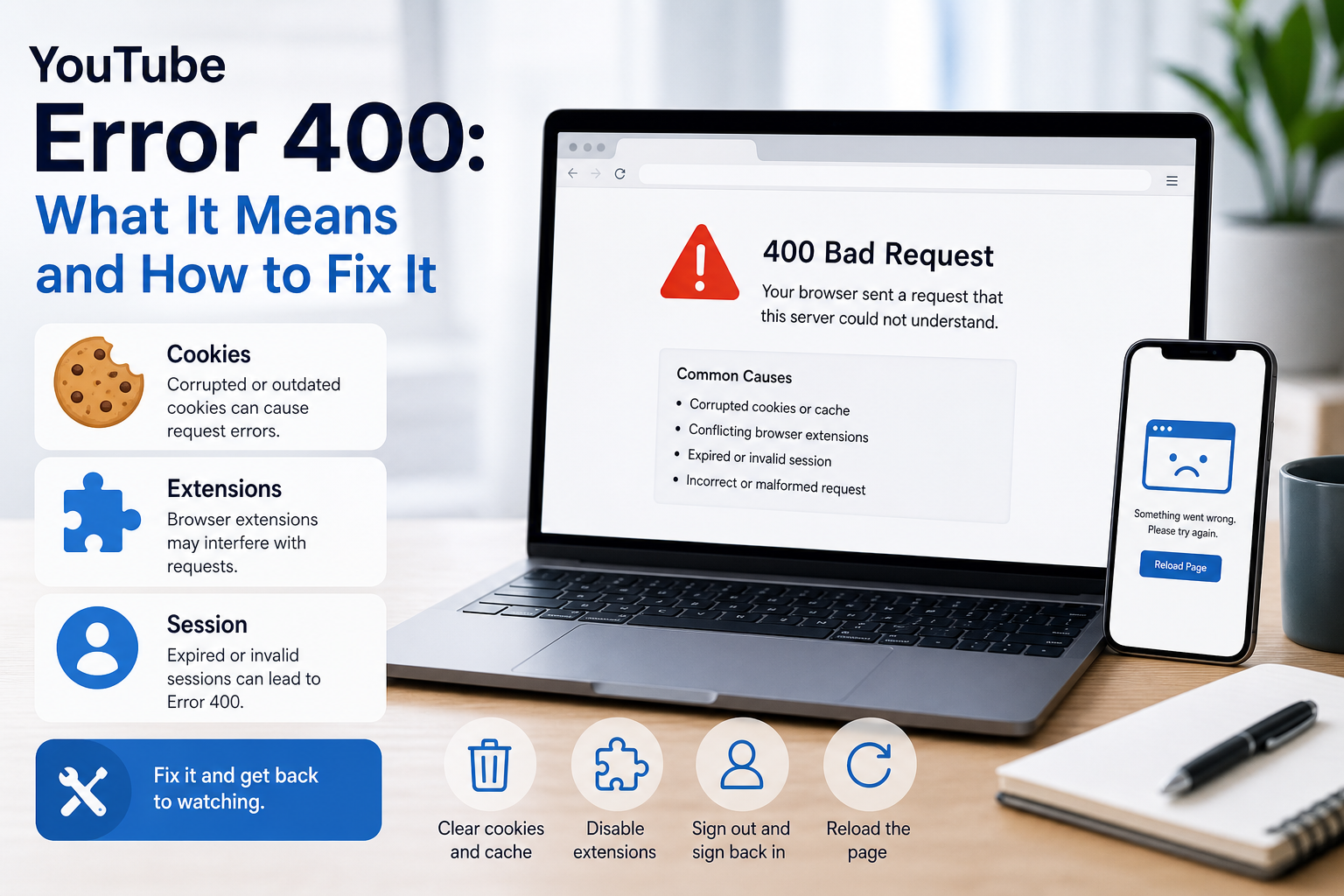
YouTube Error 400: What It Means and How to Fix It
In HTTP terminology, a 400 Bad Request is a client-error response. MDN explains that servers commonly return 400 when they consider the request malformed, incorrectly framed, or deceptively routed. The important troubleshooting clue is that repeating the exact same request without changing anything is expected to fail again.
View Details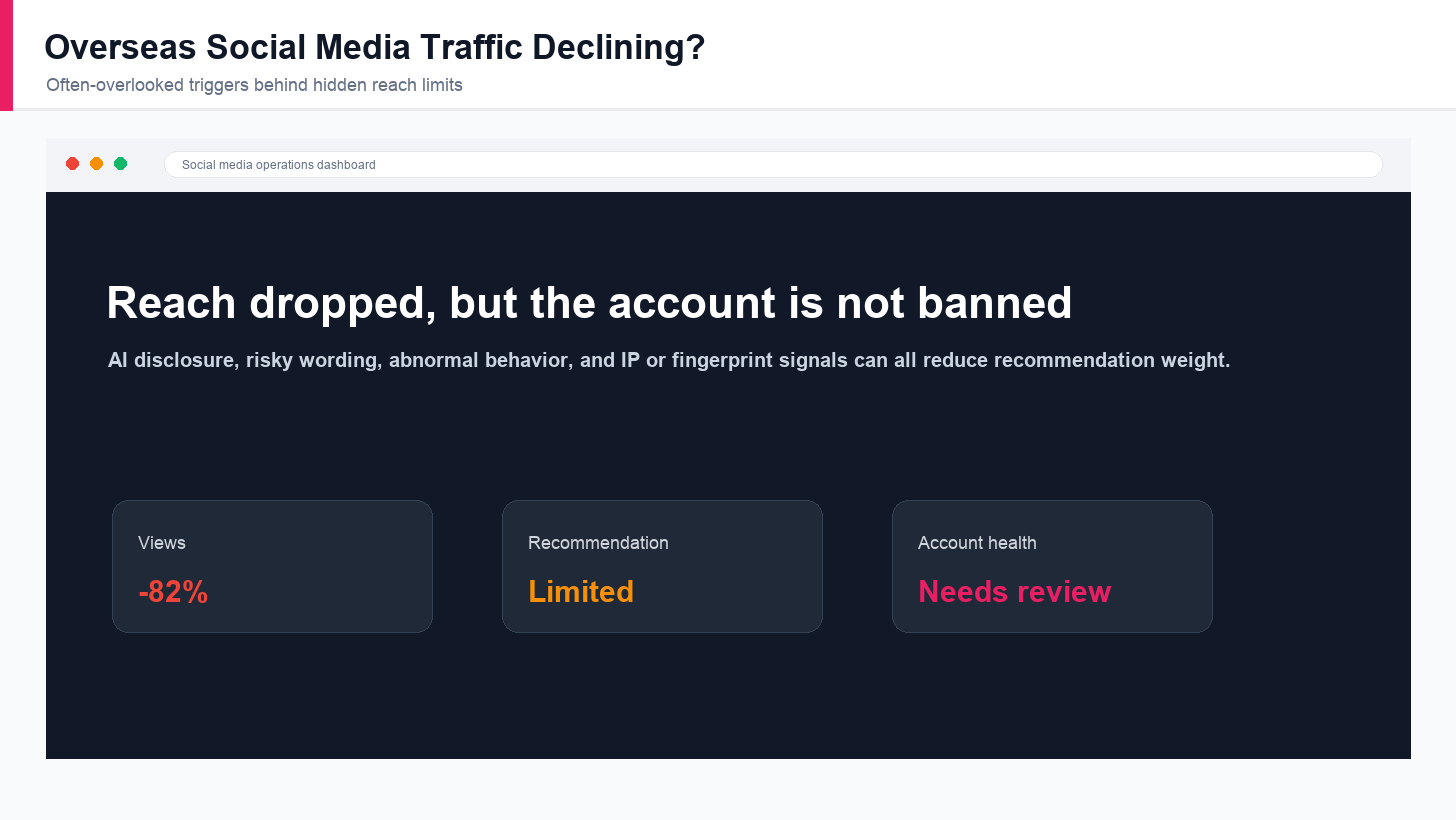
Overseas Social Media Traffic Declining? These Reach-Limiting Triggers Are Often Overlooked
A practical guide to overlooked overseas social media reach drops, covering AI content disclosure, risky wording, abnormal account behavior, hidden reach-limiting signals, and account environment checks.
View Details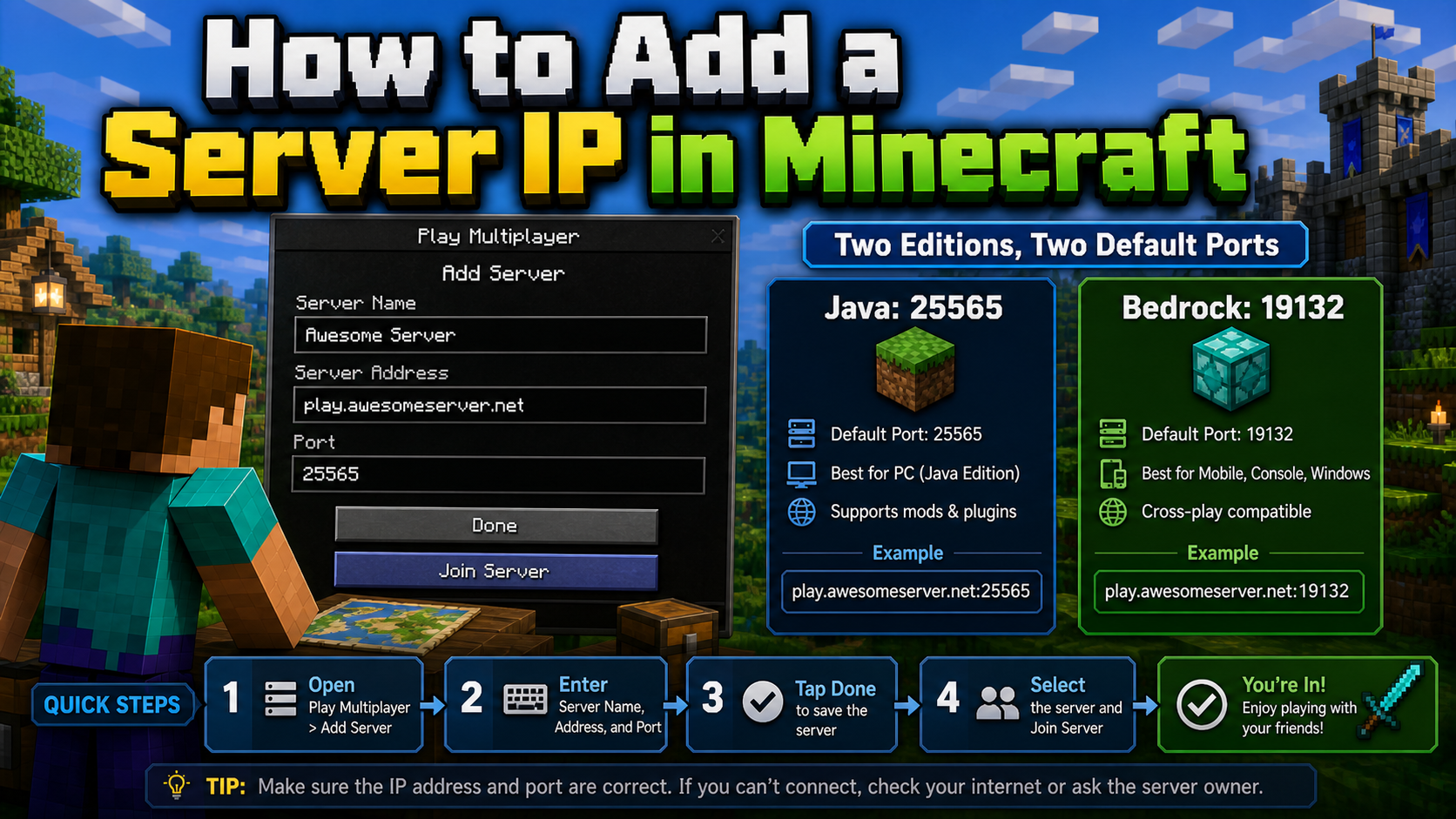
How to Add a Server IP in Minecraft Step by Step
Learn exactly where to enter a Minecraft server IP in Java, Bedrock, and Pocket Edition, plus how to fix common connection errors, ports, and edition mismatches.
View Details
How to Find a Working Minecraft Server IP Fast
Stop wasting time on dead Minecraft server IPs. Learn how to verify live servers quickly, read status icons, check ports, and source updated server addresses.
View Details
Best 24/7 Online Minecraft Server IPs — No Downtime
Find reliable 24/7 Minecraft server IPs for Java and Bedrock, plus uptime checks, port basics, ping guidance, crossplay notes, and network stability tips.
View Details